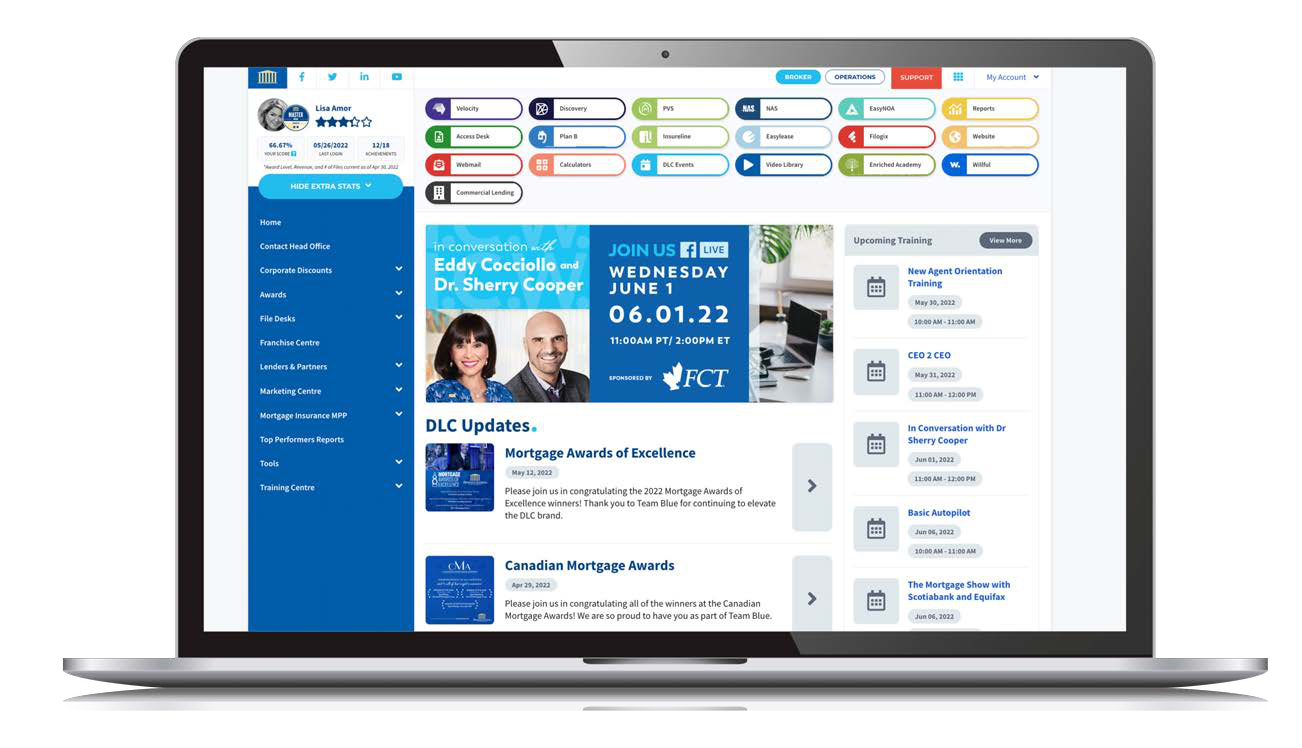
Newton Velocity · Example from the DLC onboarding guide
02 / MY MORTGAGE TOOLBOX
A mortgage app with your name on it.
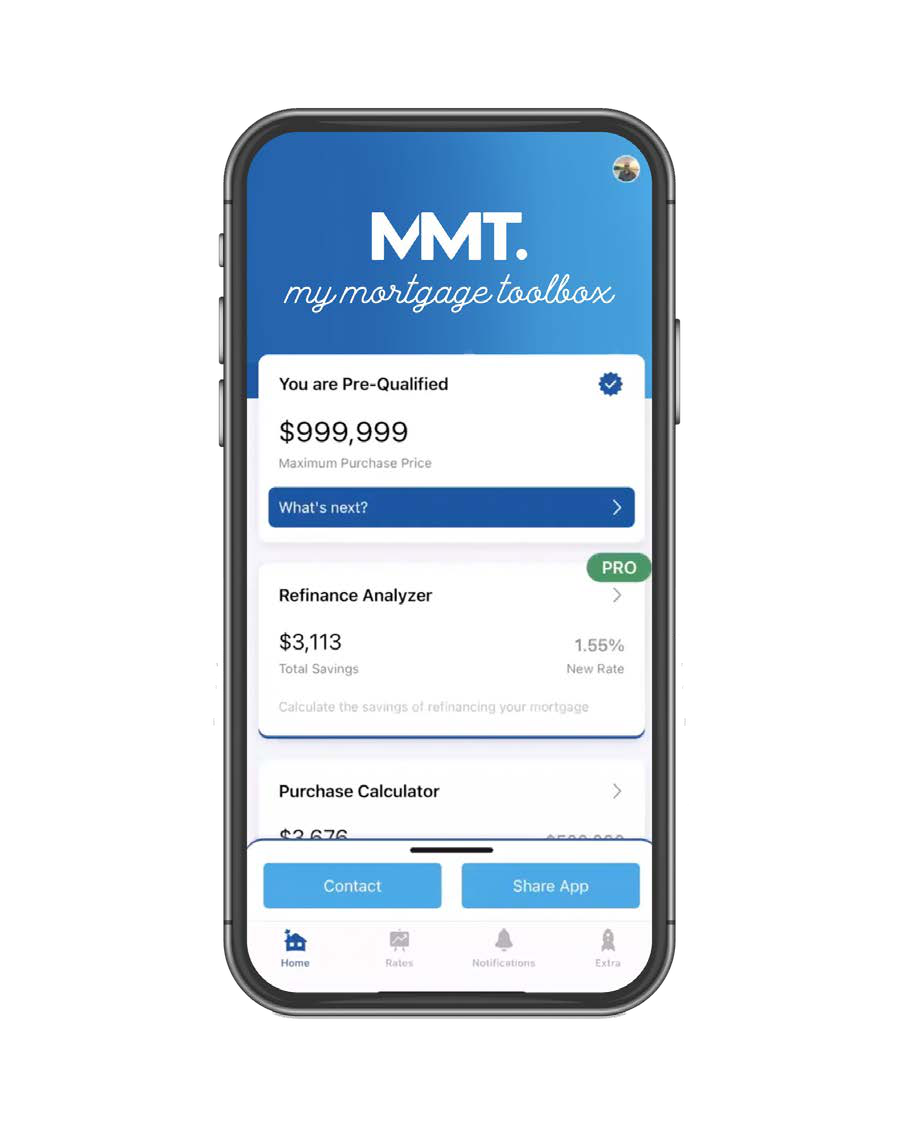
Give clients and referral partners your personalized mortgage app. They can run calculations, compare scenarios, and get back in touch with you.
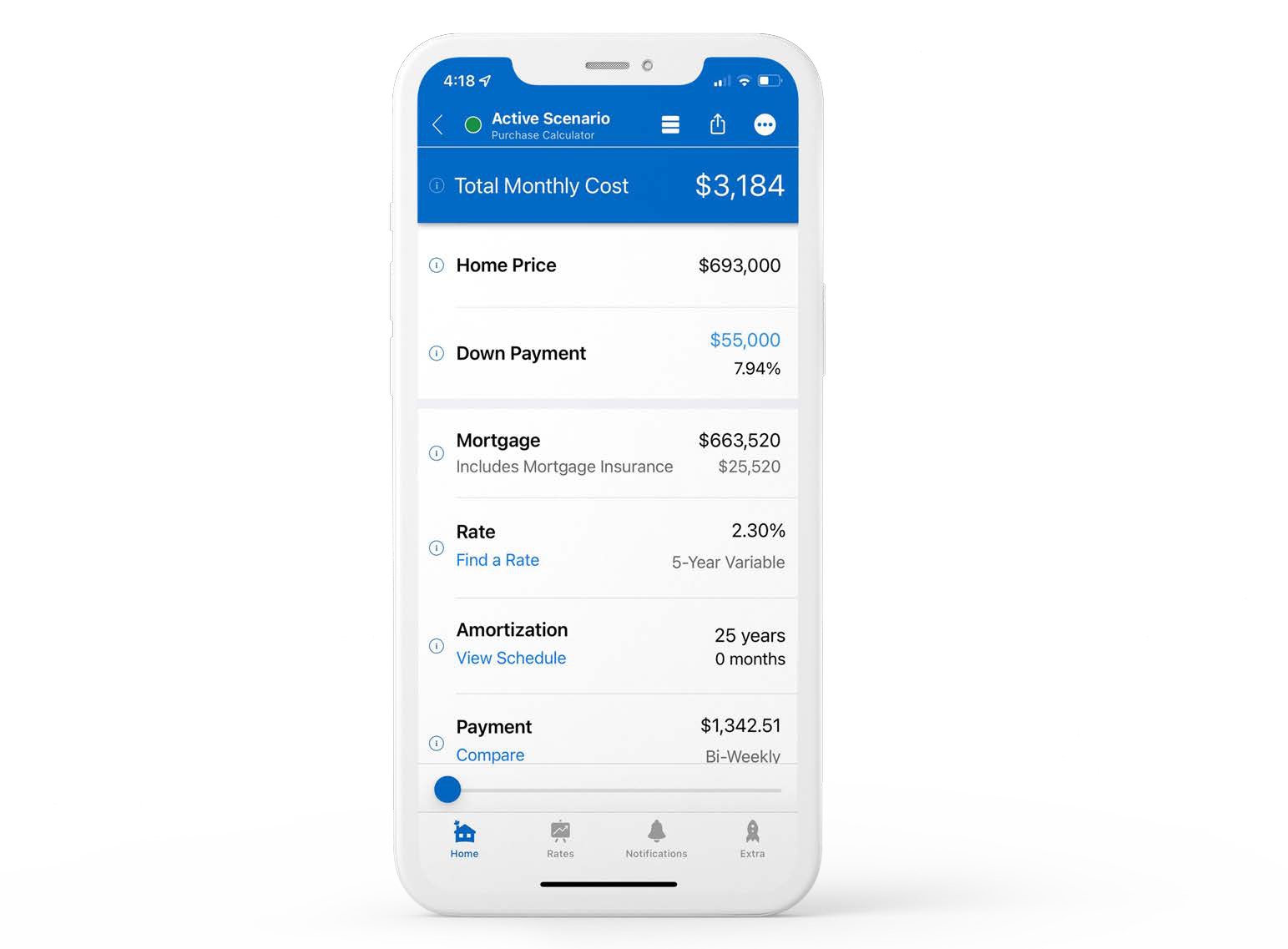
Mortgage payment and purchase calculators
Pre-qualification and refinance analysis tools
Comparison reports and cost estimates
A personalized app you can share with your network
Work through the numbers with clients using the app’s calculators and reports.
03 / DISCOVERY & VELOCITY CRM
Compare products. Keep track of clients.
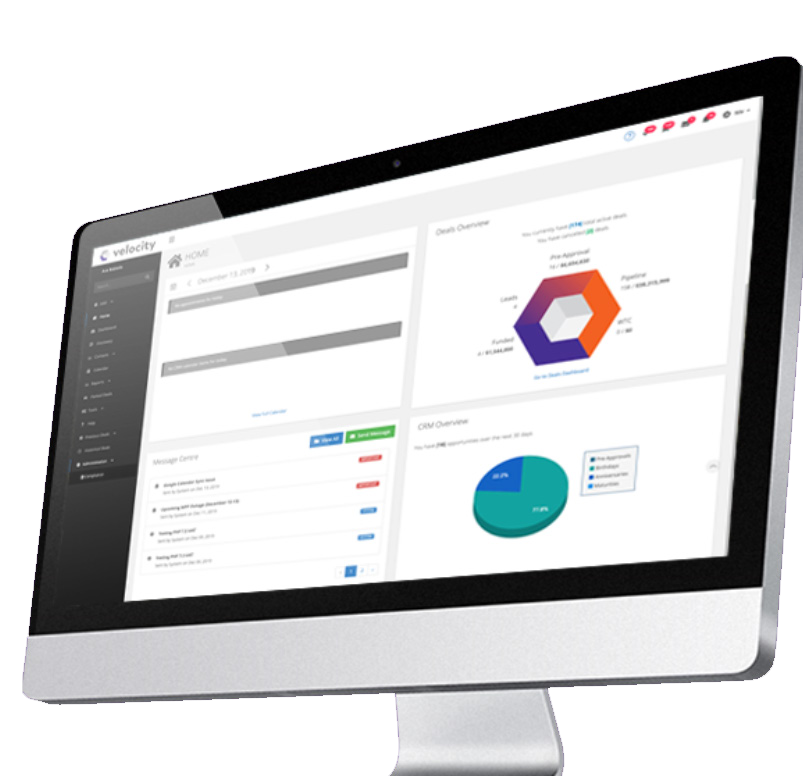
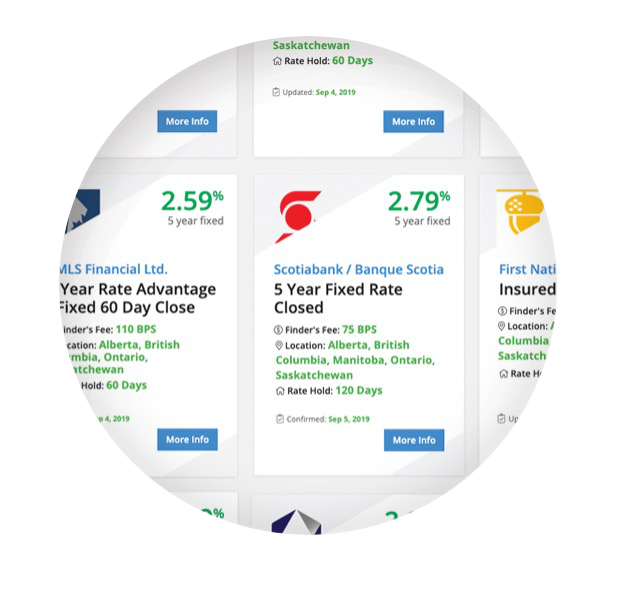
Discovery helps you research lender products. Velocity CRM helps you organize your contacts and follow-ups.
Lender research in Discovery
Filter lender products by your client’s situation, compare the results, and save options you want to return to.
Filter and compare lender products
Explore matches to client circumstances
Save favourites for future reference
Follow-up in Velocity CRM
Keep prospects, past clients, and referral partners organized. Use your database to choose who receives each campaign and track the results.
Client and referral-partner follow-up
Targeted audiences from your database
Ready-to-use DLC campaign resources
04 / MORTGAGE FORCE LEAD TRACKER
MF Leads: know who to call next.
MF Leads is the lead tracker we built for our brokers. When a realtor sends you a referral, you can save the contact details, jot down what you discussed, and set a date and time to call back. Your list is there on your phone or desktop.
Use MF Leads to track conversations and next steps from first contact through closing. When the client is ready to apply, you still prepare and submit the mortgage application in Velocity.
See which follow-ups are overdue, due today, or coming up.
Get a weekday email summary when you have follow-ups due or overdue.
With the client’s permission, send status updates to opted-in referral partners. Your conversation notes stay internal.
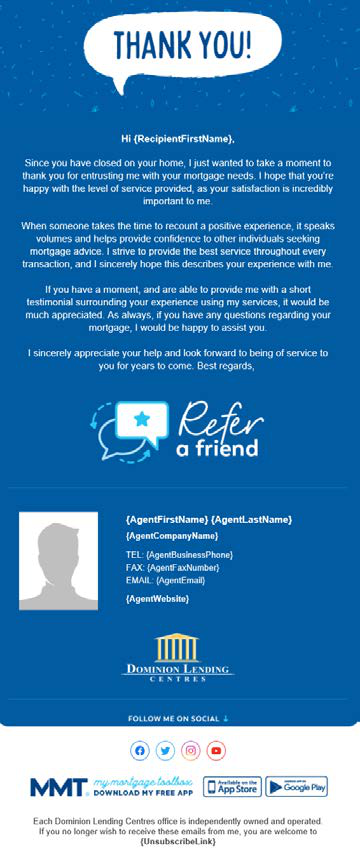
Gold Rush 2.0 is DLCG’s automated marketing system in VelocityCRM. It handles emails, newsletters, texts, and reminders that help you keep in touch with clients.
It’s designed to help you stay in touch after a mortgage funds and follow up with new leads, without sending every message yourself.
What it can send
Automated emails and client newsletters
SMS campaigns and follow-ups for new leads
Holiday greetings and scheduled client messages
Mortgage renewal reminders
06 / PURELEND · AI MORTGAGE ASSISTANT
AI help with your mortgage files.
Purelend uses AI to organize borrower documents, help review income and down payments, and prepare reports for your lender.
It helps with the paperwork involved in preparing a file and works with your existing process, including Velocity.
Collect documents
Send a tailored checklist and secure upload link through a borrower portal branded to your business.
Organize with AI
Automatically classify and name uploaded documents, keeping each borrower’s file easier to review.
Review income
Analyze pay stubs, tax documents, and self-employed bank statements to support income calculations.
Trace down payments
Review deposits, transfers, gifts, and sale proceeds to help explain where funds came from.
Spot inconsistencies
Flag mismatched figures, unusual deposits, and possible document issues for a closer look.
Prepare submissions
Generate income and down payment summaries with organized documents and notes for your lender.